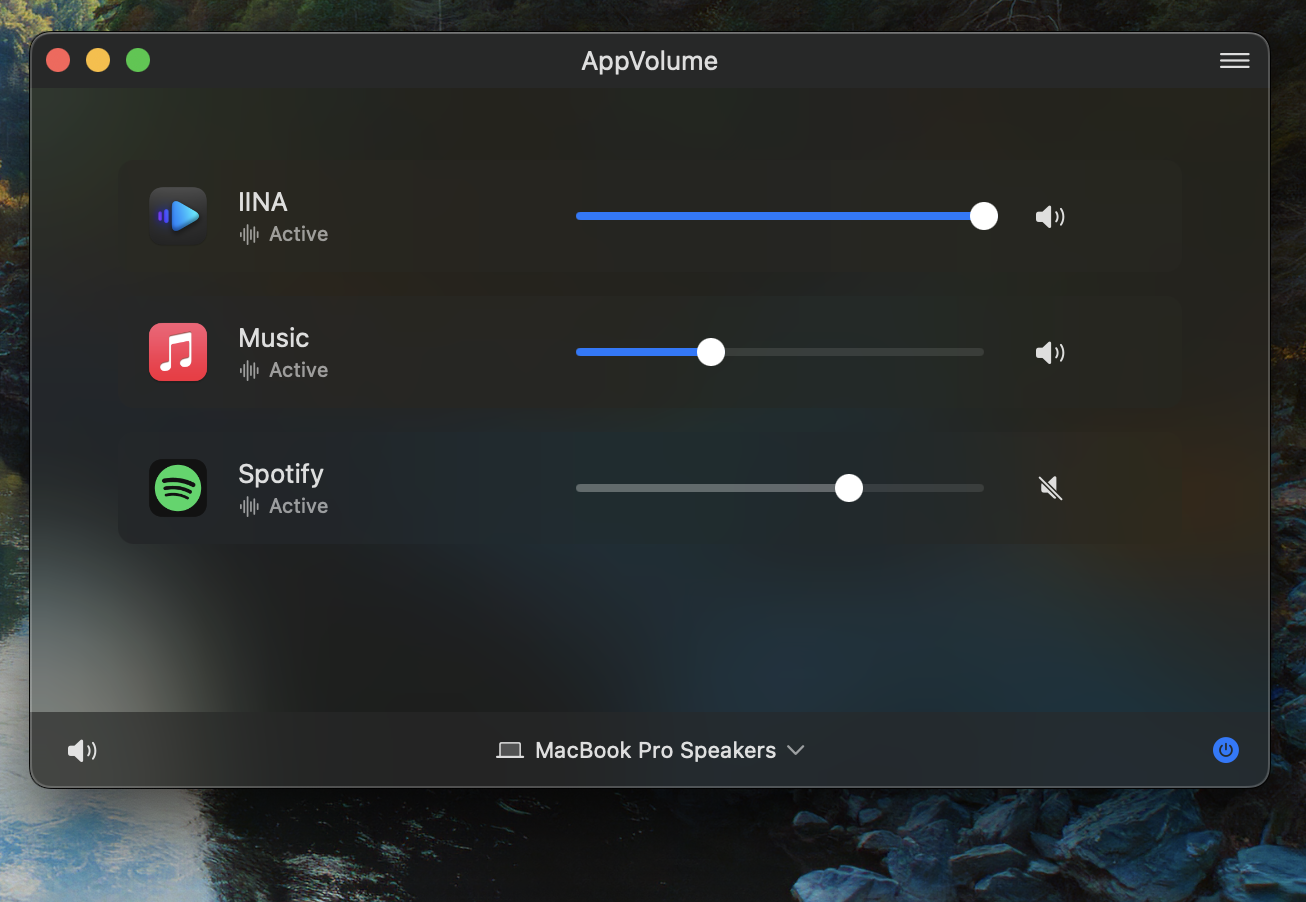
Free during Early Access
Available for macOS.
Visit on your Mac to download, or install via Homebrew:
brew install appvolume
Features
| Feature | Description |
|---|---|
| Per-app volume | Control each app from 0% to 200%, or mute with one click. |
| Persistent settings | Volumes are saved and restored automatically. |
| Quick access | Menu bar icon or global keyboard shortcut. |
| Pin & ignore | Pin favorites to the top, hide apps you don't need. |
| Multi-select | Select multiple apps for bulk mute, pin, or volume change. |
| Device switching | Follow macOS, or pick your preferred order. |
| High-res audio | Supports sample rates from 44.1kHz to 192kHz. |
| No recording indicator | No purple dot in your menu bar. AppVolume doesn't record audio. |
Tech Stack
| Technology | Why it matters |
|---|---|
| 🦀 Rust | Audio engine built for speed and stability. |
| 🧩 SwiftUI | Lightweight, native macOS interface. |
| ⚙️ CoreAudio | Captures and mixes audio at the driver level. |
Feedback
Have feedback, feature requests, or running into issues? Send an email to [email protected].